![paycove_logo_explore_nautical_wide-08.svg]](https://help.paycove.io/hubfs/Imported%20images/paycove_logo_explore_nautical_wide-08.svg)
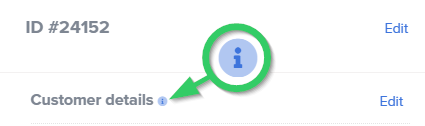
If you have manually edited any of the Details sections of an individual quote or invoice, it will no longer follow any changes made on the template. The "i" icon, or information icon, will appear here in the /checkout-admin view after you've done so to serve as a reminder that the section has been edited. (Hover over the icon, and a short explanation will appear.) Note that any unedited sections of the quote/invoice will still follow the template.
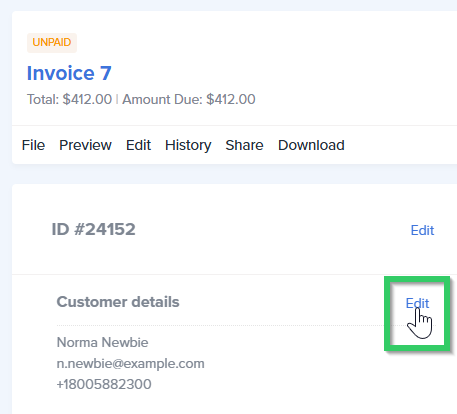
Here's a quick example. Let's say you wanted to update a detail on an individual invoice. You would first click Edit.
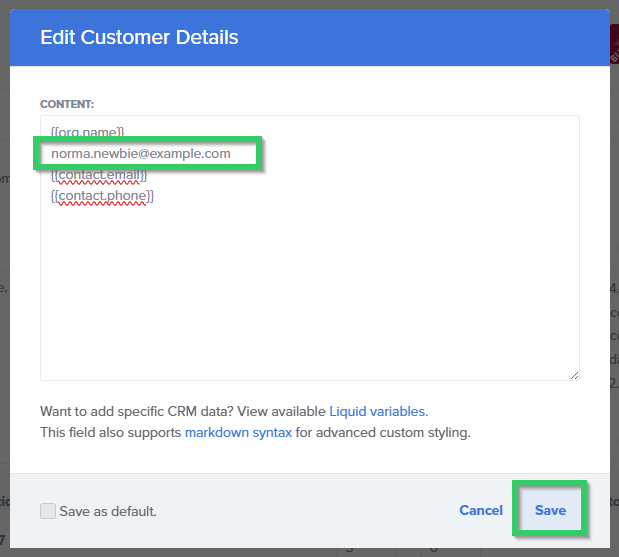
Then make the change, and click Save.
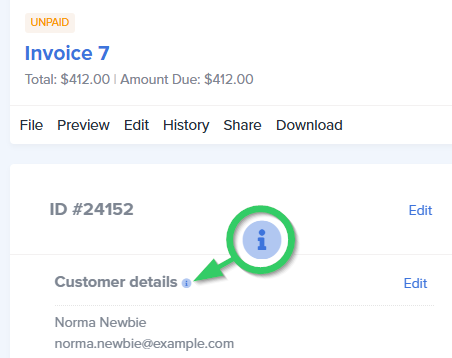
Along with the change, the "i" icon will display. A notification will also appear at the top of the page stating, “Your deal has been updated!”
Once a manual edit has been made, there is not a way to have the section follow the template again. Note that this addition is in the pipeline for a future update.