![paycove_logo_explore_nautical_wide-08.svg]](https://help.paycove.io/hubfs/Imported%20images/paycove_logo_explore_nautical_wide-08.svg)
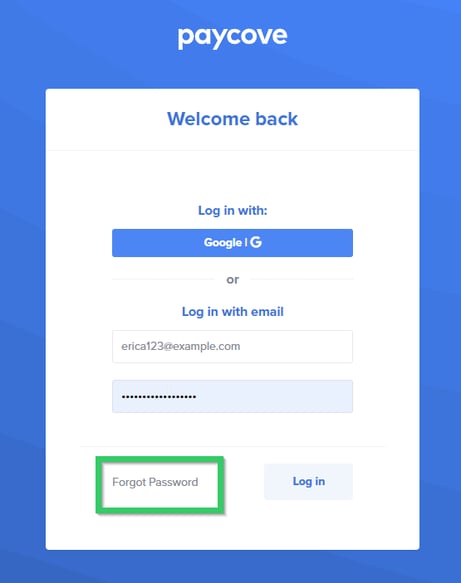
If you can't remember your password, you will need to reset it. To do so, simply go to the Paycove login screen and click the Forgot Password button, as shown below.
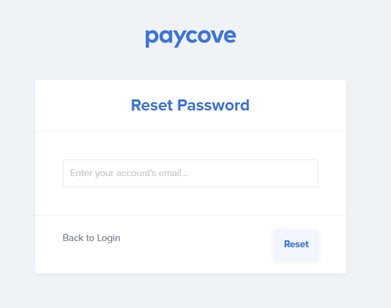
You will then be taken to a new page where you can enter your account email address and click the Reset button.
Next, check your inbox, and you'll see an email from Paycove (it will be from no-reply@paycove.io). Open the email and follow the prompts there to reset your password.