![paycove_logo_explore_nautical_wide-08.svg]](https://help.paycove.io/hubfs/Imported%20images/paycove_logo_explore_nautical_wide-08.svg)
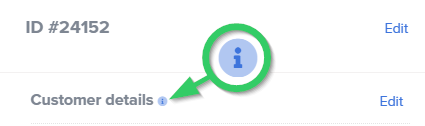
The "i" icon, or information icon, appears after you've manually edited a section of an individual quote or invoice. It serves as a reminder that the section has been manually edited, and it will no longer follow any changes made on the template. (Hover over the icon, and a short text blub will appear, explaining this.) Note that any other unedited sections will still follow the template.
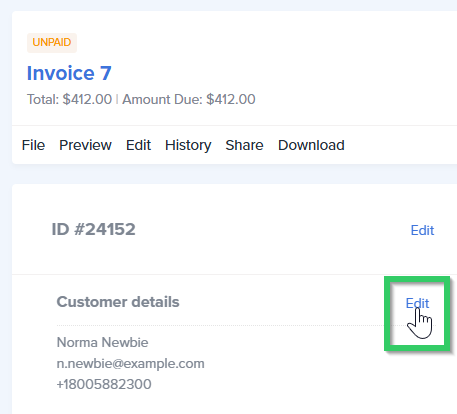
Here's a quick example. Let's say you wanted to update a detail on an individual invoice, for whatever reason. You would first click Edit.
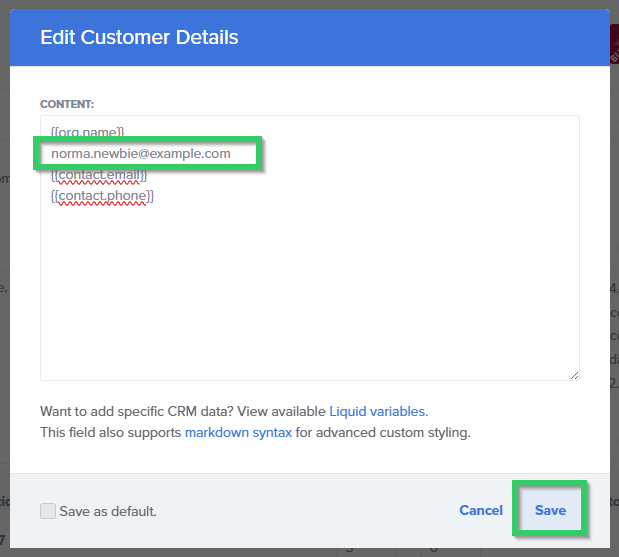
Then make the change, and click Save.
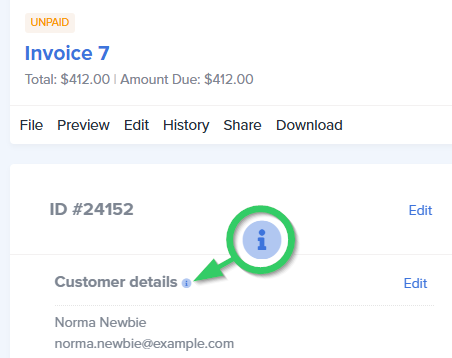
Along with the change, the "i" icon will display. A notification will also appear at the top of the page stating, “Your deal has been updated!”
Once a manual edit has been made, there is not a way to have the section follow the template again. Note that this addition is in the pipeline for a future update.