![paycove_logo_explore_nautical_wide-08.svg]](https://help.paycove.io/hubfs/Imported%20images/paycove_logo_explore_nautical_wide-08.svg)
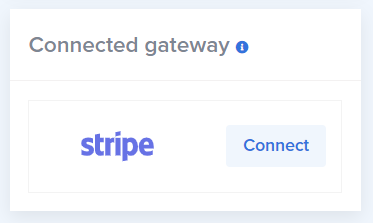
In addition to your main Stripe account integrated with Paycove, you can connect more Stripe accounts through Paycove's templates. To do so, use the "Connected gateway" box on the right side of the template editor.
This feature allows you to connect a unique gateway account to each template. You account admin or manager can use this box to set your connected accounts for quotes and invoices on your template.
Note: This is only available for users on the (legacy) Business Plan or higher. If you are on a lower Paycove plan, you are only allowed one payment gateway account.
Be aware that each of your customers have unique ID numbers that are paired with the current Stripe account at the time their customer profiles are created, and they cannot be unpaired. If you add an additional Stripe account afterwards, you'll need to be sure that you always use the original Stripe account that the customer was paired with when creating an invoice for that customer.